Free Ambigram Tattoo Generator That Makes Your Ink Actually Mean Something
Tattoos are permanent. That means every design choice matters more than you think. So when people discover that a single word can look completely different depending on which way you read it, it changes everything about how they think about tattoo art.
That’s exactly where an ambigram tattoo generator free tool comes in. Instead of spending hundreds of dollars on a custom designer, you can create a stunning ambigram tattoo design right from your browser, in seconds, at zero cost.
This guide covers everything you need to know: what ambigram tattoos actually are, how they work, what makes a good one, and how to use a free ambigram tattoo generator to create yours without any design experience at all.
What Is an Ambigram Tattoo and Why Are People Obsessed With Them
An ambigram is a word or phrase designed so it can be read from more than one direction. Flip it upside down and it either reads the same word again or reveals a completely different word entirely.
Tattoo artists and their clients love this style because it adds a second layer of meaning to the design. A tattoo that says “love” right-side up might say “hate” when rotated 180 degrees. Or “life” might flip into “death.” These contrasting pairs make for deeply personal tattoos that start conversations.
Dan Brown’s novel “Angels and Demons” put ambigrams into mainstream pop culture back in 2000, and the style has never really gone away. If anything, it’s grown more popular as tattoo culture has become more artistic and meaning-driven.
The catch? Creating an ambigram by hand is genuinely difficult. You need to map out how each letter of one word can visually transform into the corresponding letter of another. It takes real typographic skill. That’s why a free ambigram tattoo generator is such a practical tool.
How a Free Ambigram Tattoo Generator Actually Works
Most online ambigram generators use preset font styles that are built to balance symmetry across a word. You type in your name, a phrase, or two contrasting words, and the tool applies a mirrored or rotational font treatment so the result reads correctly from both orientations.
A good generator gives you several style options, lets you preview the design, and makes it easy to download or screenshot the result. The whole process takes under a minute.
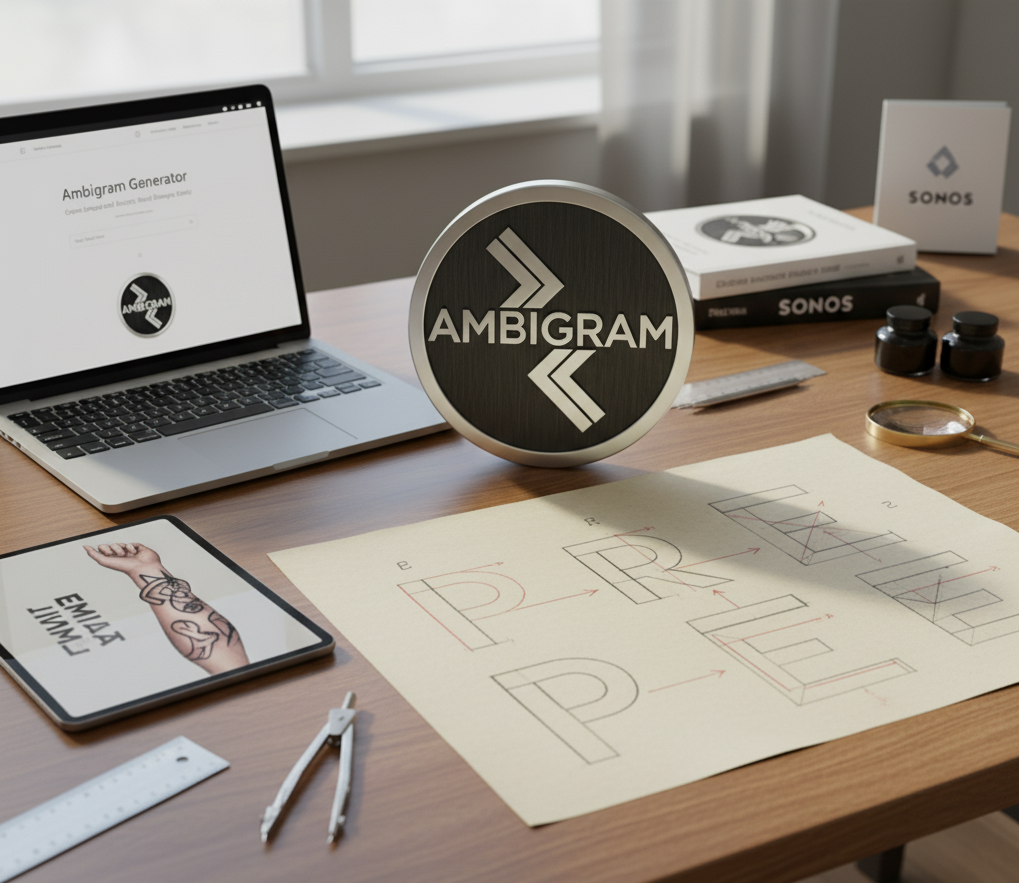
You can use the Ambigram Generator at TheeGenerator directly in your browser. No account, no payment, no watermarks. Just type your word and get your design.
Best Words and Phrases to Use for Ambigram Tattoos
Choosing the right word makes a huge difference. Here are some combinations that work well because of how the letters balance out:
Single word ambigrams (rotational):
- Love
- Faith
- Hope
- Power
- Dream
Two word ambigrams (one word flips into another):
- Love / Hate
- Life / Death
- Now / Mom
- Angel / Devil
- Heaven / Hell
Short words with letters that have natural rotational symmetry (like S, N, Z, and X) tend to produce cleaner results. Long words can work too, but the generator needs more flexibility with the letter shapes.
If you’re planning a tattoo with two names, like a couples’ tattoo, a two-word ambigram is one of the most popular choices. The generator handles these really well because it knows how to balance two separate word lengths.
Tattoo Placement Ideas for Ambigram Designs
Where you put the tattoo actually affects how the ambigram gets read. Consider these placements:
Forearm: People can flip their arm to reveal the second word. Very interactive.
Upper back or shoulder blade: Works well for longer phrases. Someone else sees one reading while you see the other in the mirror.
Wrist: Great for short single words. Clean and minimal.
Ribcage or collarbone: Popular for names or meaningful phrases.
The orientation of the ambigram matters here. When you download your design from a free ambigram tattoo generator, bring it to your tattoo artist and explain which direction should be “primary.” They’ll adjust placement accordingly.
Can You Use Two Names in a Free Ambigram Tattoo Generator
Yes, and it’s one of the most requested uses. You enter two names and the generator creates a design where one name is visible right-side up, and the other appears when the design is rotated 180 degrees.
This works especially well for couples, parent-child combinations, or names of people you’ve lost. The visual trick of seeing someone’s name appear when the tattoo is flipped adds an emotional layer that a regular name tattoo just doesn’t have.
If you want to try two-word designs specifically, check out how to create an ambigram online for a step-by-step walkthrough of the process, including tips on what word pairings tend to work best.
What Makes a Good Ambigram Tattoo Design
Not every output from a generator is tattoo-ready. Here’s what to look for before you take a design to your artist:
Legibility: Both readings should be clear, not just the primary one. If the second word looks like scribbles, it defeats the purpose.
Line weight: Tattoos require a certain minimum line thickness or they blur over time. Thin, intricate designs can fade within a few years on certain skin types.
Size: The bigger the tattoo, the more detail the ambigram can hold. Wrist-sized ambigrams should be simple. Forearm or back pieces can handle more complexity.
Font style: Bold, slightly rounded styles hold up better than extremely thin serif fonts. Many free generators offer multiple style options, so try a few before deciding.
According to professional tattoo artists, the most common mistake clients make is choosing a design that’s too small for the ambigram’s complexity. Always ask your artist to print it at actual size before committing.
Is a Free Ambigram Tattoo Generator Good Enough for Real Tattoos
This is a fair question. Free tools obviously have limits compared to a custom designer charging a few hundred dollars per piece.
But here’s the honest answer: for most tattoo designs, especially short names and popular word pairings, a free ambigram generator produces results that are genuinely tattoo-quality. The difference between free and paid comes down to customization depth and how unusual your word combination is.
If your name is something like “Maria” or your word is “Faith,” the free generator handles it cleanly. If you want something completely custom with unusual letter combinations, you might need a custom designer or at least use the generator output as a starting point for your tattoo artist to refine.
For a comprehensive look at the different ambigram styles and design types available, the TheeGenerator Ambigram Guide covers all the terminology and style variations so you know exactly what you’re looking at when you see different outputs.
If you want to compare tools and see how ambigram generators stack up against each other, Wikipedia’s page on ambigrams gives a solid background on the art form, its history, and the different types, which helps you understand what to look for in any generator you try.
Frequently Asked Questions About Ambigram Tattoo Generators
Can I use an ambigram generator for free without signing up?
Yes. Tools like TheeGenerator require no account and no payment. You type your word and get your design instantly.
How do I make an ambigram with two names for a tattoo?
Enter both names separated by a slash or space (depending on the tool) and the generator creates a design where each name is readable from a different orientation.
Are ambigram tattoo designs copyrighted?
Designs generated by automated tools are generally not subject to copyright. However, if a human designer created a custom ambigram, that work is protected.
What is the best font style for an ambigram tattoo?
Bold, balanced fonts with medium stroke weight work best. Avoid ultra-thin or overly decorative scripts, as they lose detail when tattooed.
Can I edit the ambigram after generating it?
Most free generators don’t offer editing. Your best option is to download the design and bring it to a tattoo artist who can make minor adjustments before inking.
Ready to Create Your Free Ambigram Tattoo Design
Getting your ambigram tattoo design does not have to be complicated or expensive. A free ambigram tattoo generator gives you a solid, ready-to-use design in seconds, and the best ones require nothing more than typing your word and hitting a button.
Head over to the free ambigram generator at TheeGenerator, try a few word combinations, and see which one speaks to you. Your next tattoo might be one rotation away from saying twice as much.